Quarterly summary (not Making Tax Digital software)
For sole traders who want quarter-by-quarter totals
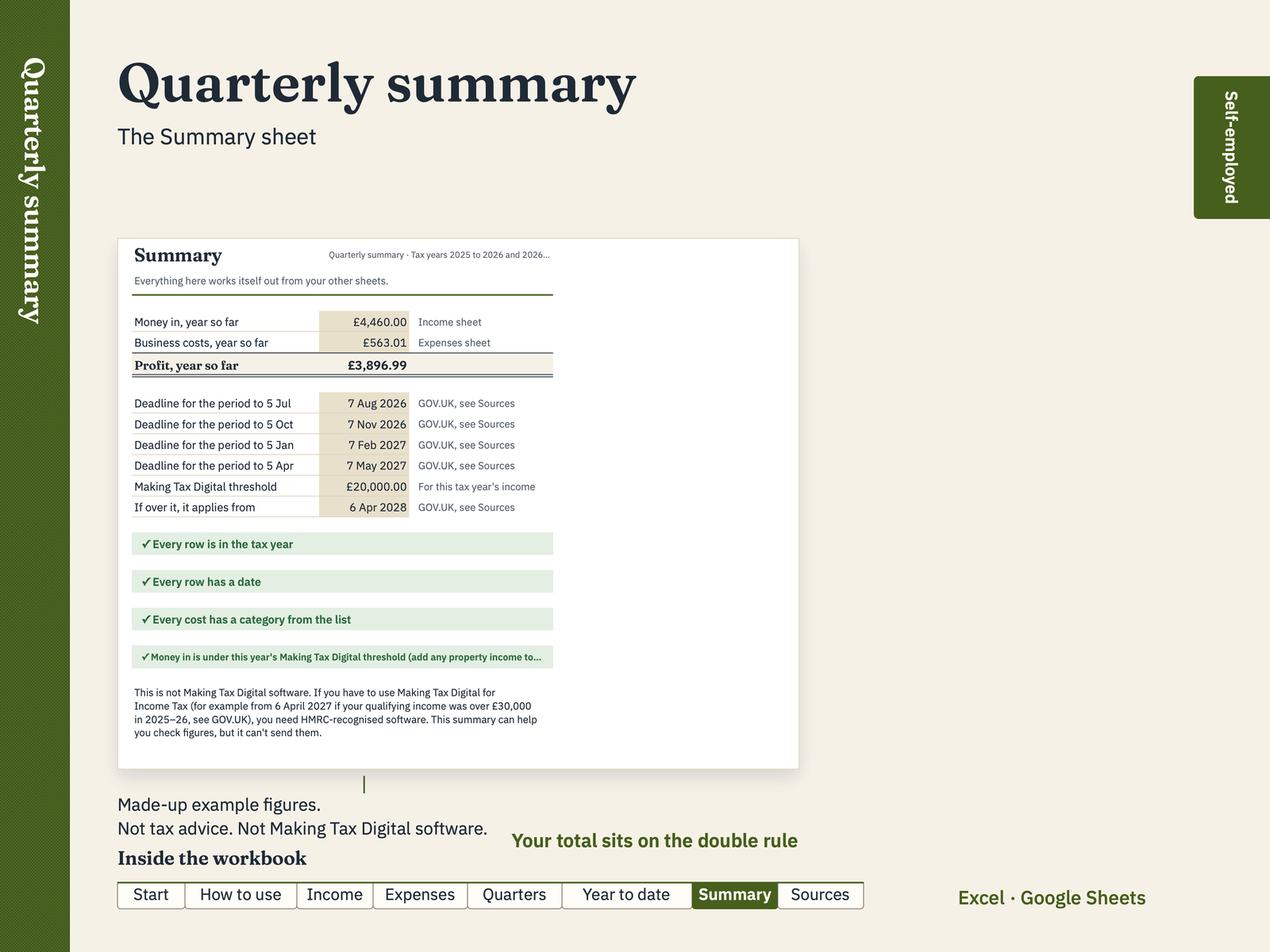
See your money in and business costs for each three-month period of the tax year, by GOV.UK's expense headings, with running totals for each period and a profit figure. It isn't Making Tax Digital software and can't send anything to HMRC: it helps you check your figures.
Inside the workbook
- IncomeOne row for each payment you receive
- ExpensesOne row for each business cost you pay
- QuartersEach three-month period, by category
- Year to dateRunning totals for each update period
- SummaryYear so far, period deadlines and checks
- SourcesEvery rate and rule used, for both tax years, with its GOV.UK link
- Start, How to useA cover with the contents, and plain instructions
Where the figures come from
- Tax year starts
- Tax year ends
- Deadline, period to 5 July
- Deadline, period to 5 October
- Deadline, period to 5 January
- Deadline, period to 5 April
- Making Tax Digital: qualifying income over
- If over, Making Tax Digital applies from
- Qualifying income is turnover
- Expense headings on GOV.UK (plus "Other")
- Cash basis: record money when it moves
A spreadsheet for organising your own figures. It isn't tax advice, isn't HMRC software and can't send anything to HMRC. Check every figure. Rates and thresholds are for the 2025–26 and 2026–27 tax years (you choose which on the Start sheet) and link to GOV.UK, checked on 18 Oct 2026. If you're not sure what applies to you, ask HMRC or an accountant. Sources and dates are on the Sources tab. Contains public sector information licensed under the Open Government Licence v3.0. Not affiliated with or endorsed by HMRC. This is not Making Tax Digital software. If you have to use Making Tax Digital for Income Tax (for example from 6 April 2027 if your qualifying income was over £30,000 in 2025–26, see GOV.UK), you need HMRC-recognised software. This summary can help you check figures, but it can't send them.